SoulAI

AI assistants that learn your business

Build AI assistants that understand your business.

SoulAI lets businesses build branded AI assistants from their own documents, FAQs, website content, and workflows. Start with website chat for support, lead capture, and repetitive questions, then expand into voice or WhatsApp when you need more reach.

For teams, it becomes a practical AI layer for customer support, onboarding, internal help, and human escalation when automation should stop.

Chat RAG Leads Reporting Handoff
Tenant scope Separate knowledge, prompts, chats, and keys.
RAG grounded Answers from docs, FAQs, and policies.
Human handoff Escalate when AI should not guess.
Improve over time Review chats, gaps, leads, and handoffs.

Typical workflow

1. Add knowledge Connect docs, FAQs, websites, and policies.
💬
2. Assist customers Answer, qualify leads, and guide users.
👤
3. Learn and improve Review chats, handoffs, and missing answers.

Who it's for

🧠
Customer support Handle repetitive questions and escalate complex cases.
🛒
E-commerce brands Handle orders, returns, shipping, and policy FAQs.
👥
Agencies & services Capture leads and answer questions with branded assistants.
🏢
Internal IT helpdesks Resolve access, policy, and common issues.
Built for practical support teams Start with chat, then improve knowledge, reporting, and escalation.

What SoulAI gives you

A branded AI assistant platform: grounded in your knowledge, connected to customer workflows, and ready for human handoff.

Tenant scope

Tenants, bots, documents, prompts, and keys stay separated.

Knowledge-grounded answers

The assistant retrieves relevant content before it answers.

Leads and handoff

Capture useful customer details and move complex cases to a person.

Control without a heavy platform project

Customize each assistant while keeping deployment, safety, and review simple.

Models and keys

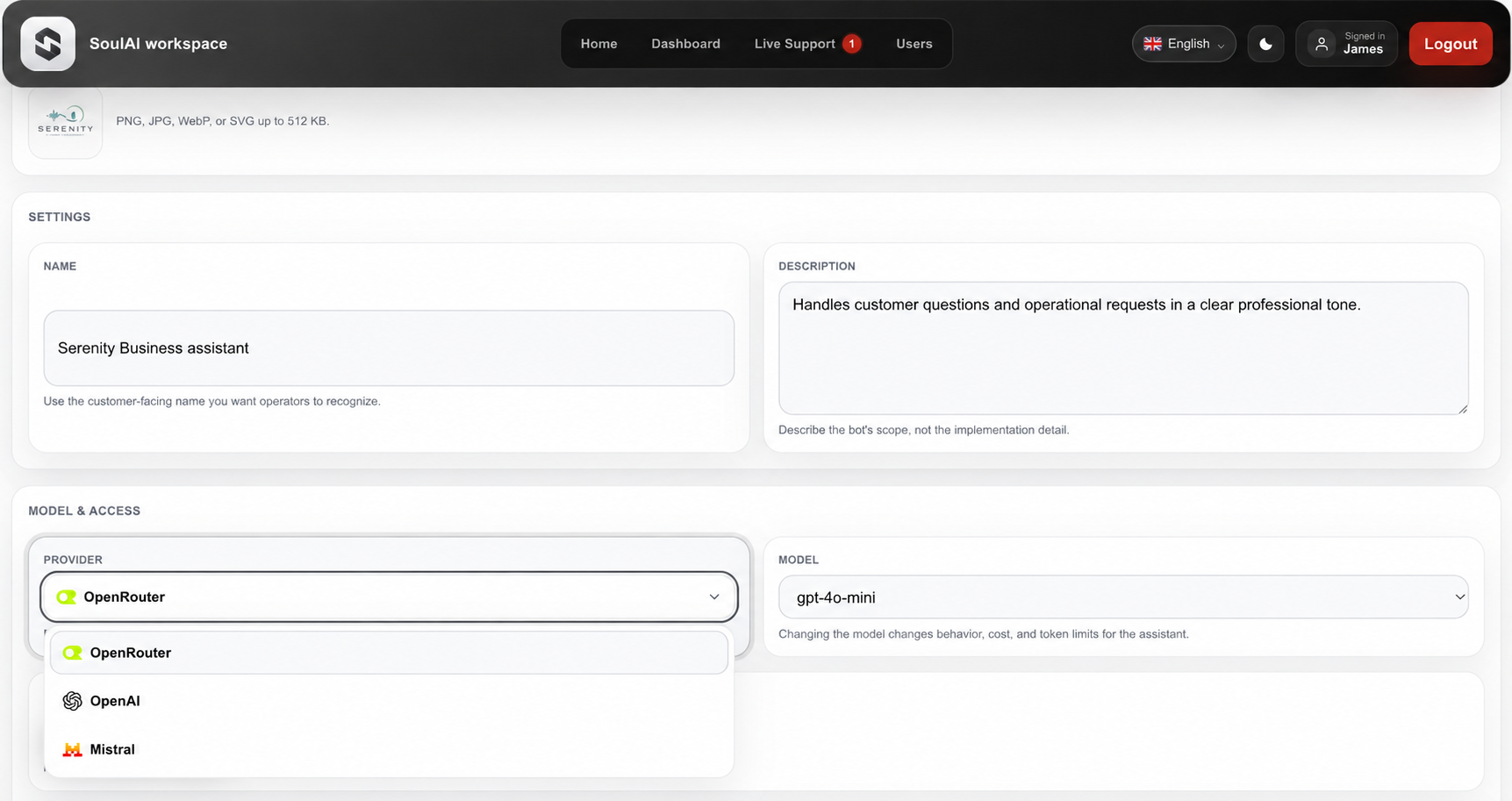
Choose provider, model, temperature, token limits, and API key per bot.

Brand and behavior

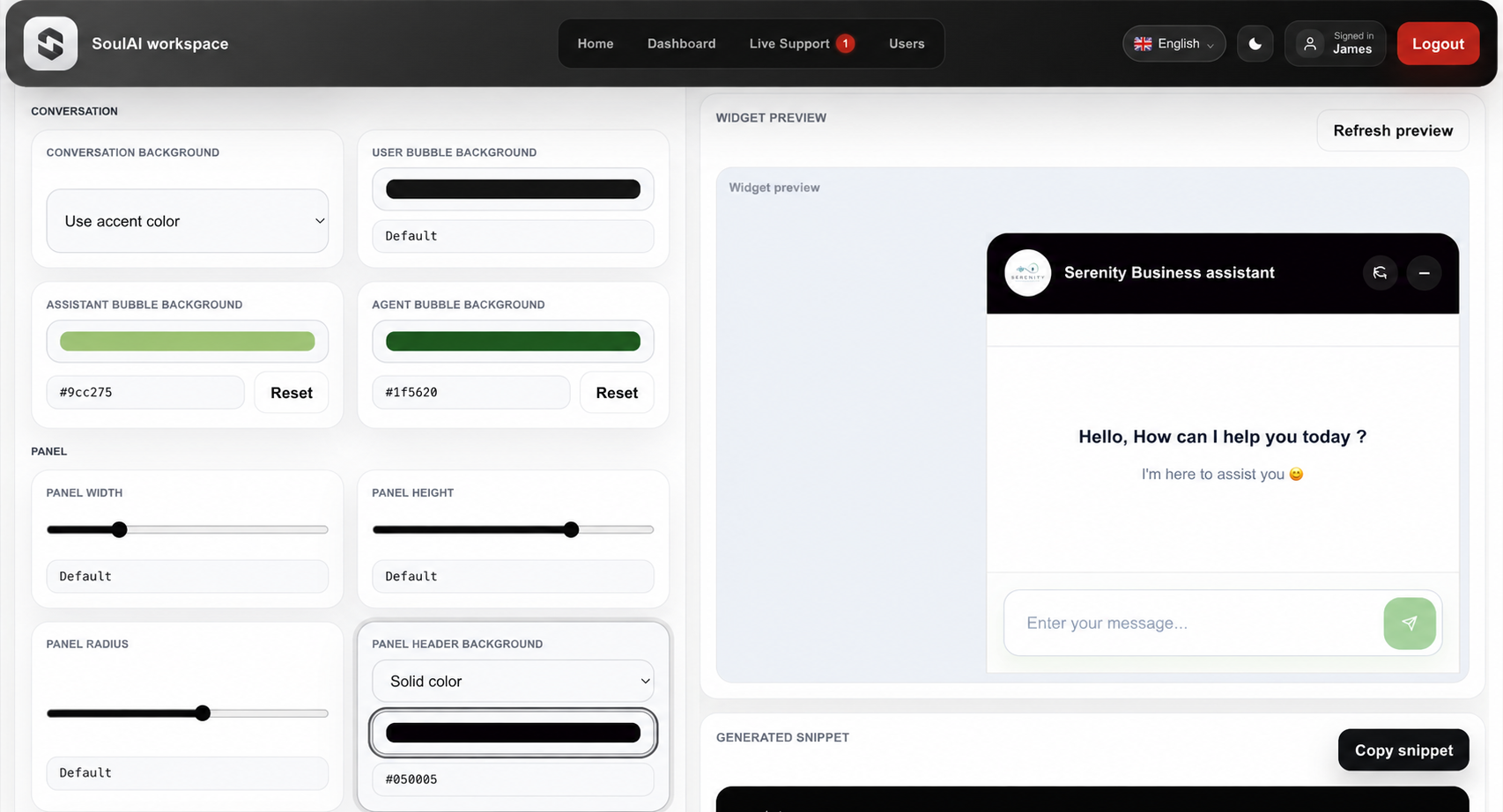
Adjust tone, prompts, colors, launcher style, and assistant behavior per bot.

Reporting and review

Review chats, leads, escalations, and recurring questions to improve the assistant.

From business knowledge to live assistant

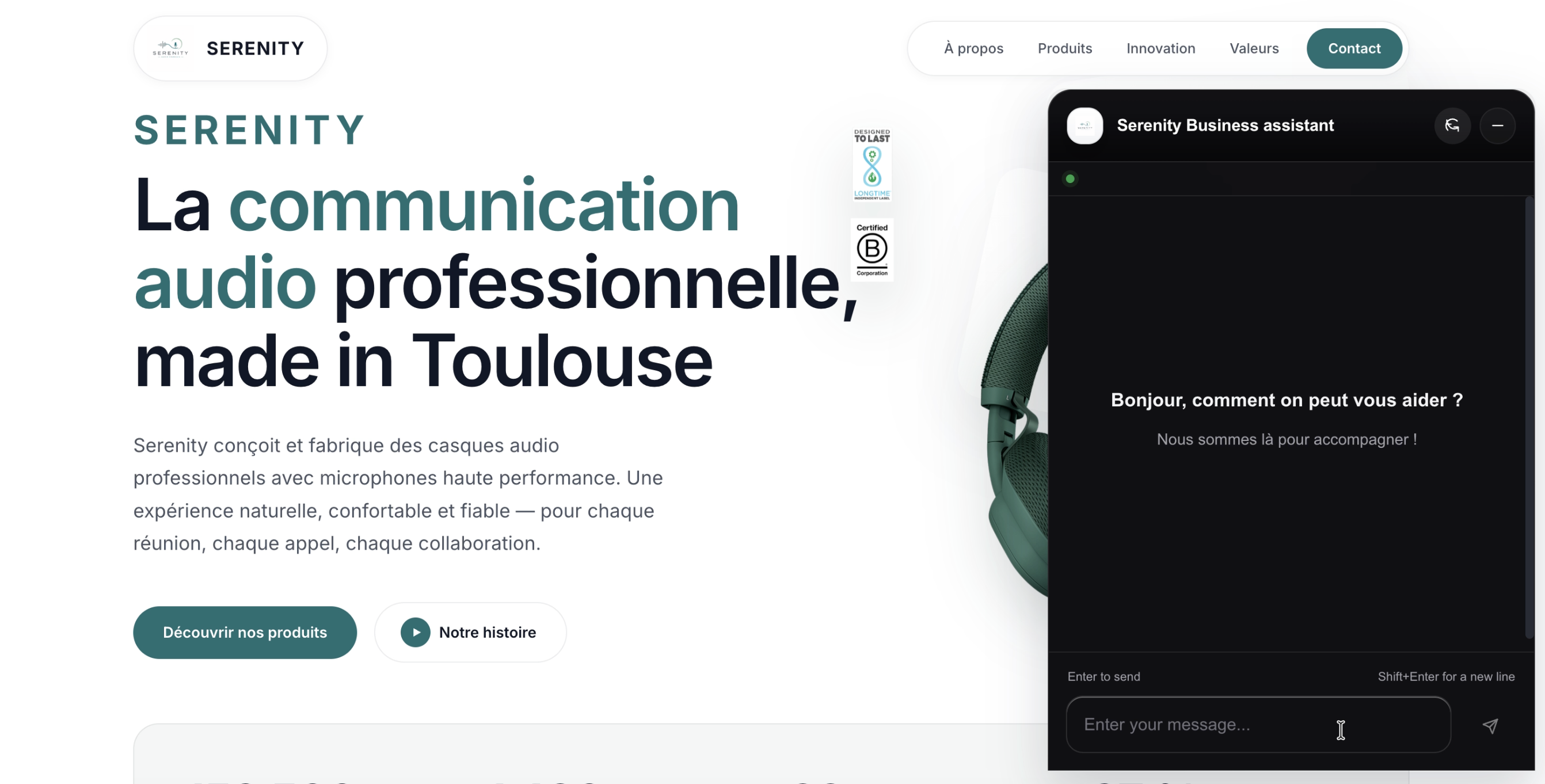
Create the assistant, connect the knowledge base, tune behavior and branding, then publish the widget.

1

Create

Set up tenant and bot.

2

Connect

Add docs, FAQs, and policies.

3

Tune

Pick model settings and prompts.

4

Launch

Publish, review chats, leads, and improve.

Built from real support and automation work

SoulAI was built for teams that need practical AI assistants without turning customer support into an internal AI engineering project. The focus is simple: grounded answers, lead capture, safe tenant separation, and support workflows that still allow human escalation when automation should not guess.

Support-first mindset Designed around real customer support workflows, repetitive questions, and escalation paths.
Experience building bots Focused on practical AI systems, chat workflows, and deployable support automation.
Built for SMB and support teams Simple onboarding, flexible branding, useful reporting, and deployment that fits smaller teams.

Control and safety built in

SoulAI is designed for production support workflows, not open-ended AI experiments. The platform keeps tenant boundaries explicit, limits abuse paths, and supports controlled escalation when automation should stop.

Rate limiting Protect endpoints and control runaway usage across tenants and bots.
🔒
Tenant isolation Documents, prompts, API keys, and conversations stay scoped per customer.
Human escalation Escalate when the assistant should stop guessing or hand over support.
Controlled configuration Model settings, prompts, and provider keys remain explicit and reviewable.

Get in touch

Tell us what customers ask, what the assistant should handle, and where the answers live.

Good fitBusinesses with repeat customer questions, leads, and useful content.
IncludeUse case, content sources, and hosting preference.
Reply pathFit check, setup notes, and the next step.
Keep it shortThree to five lines is enough.

Contact

Tell us what people ask and where the answers live.